
The Pattern Template Studio:
Create seamless templates in minutes using this online tool
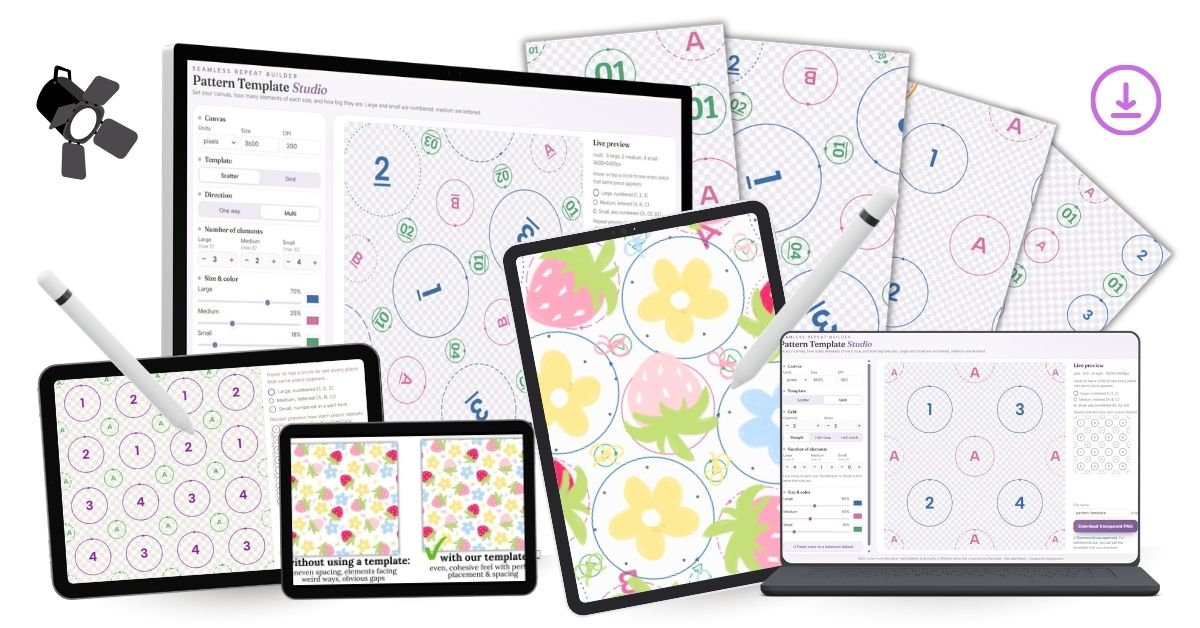
so you can save yourself HOURS of struggling with element placement and finally know exactly where to put every motif for a perfectly balanced pattern
how it works:
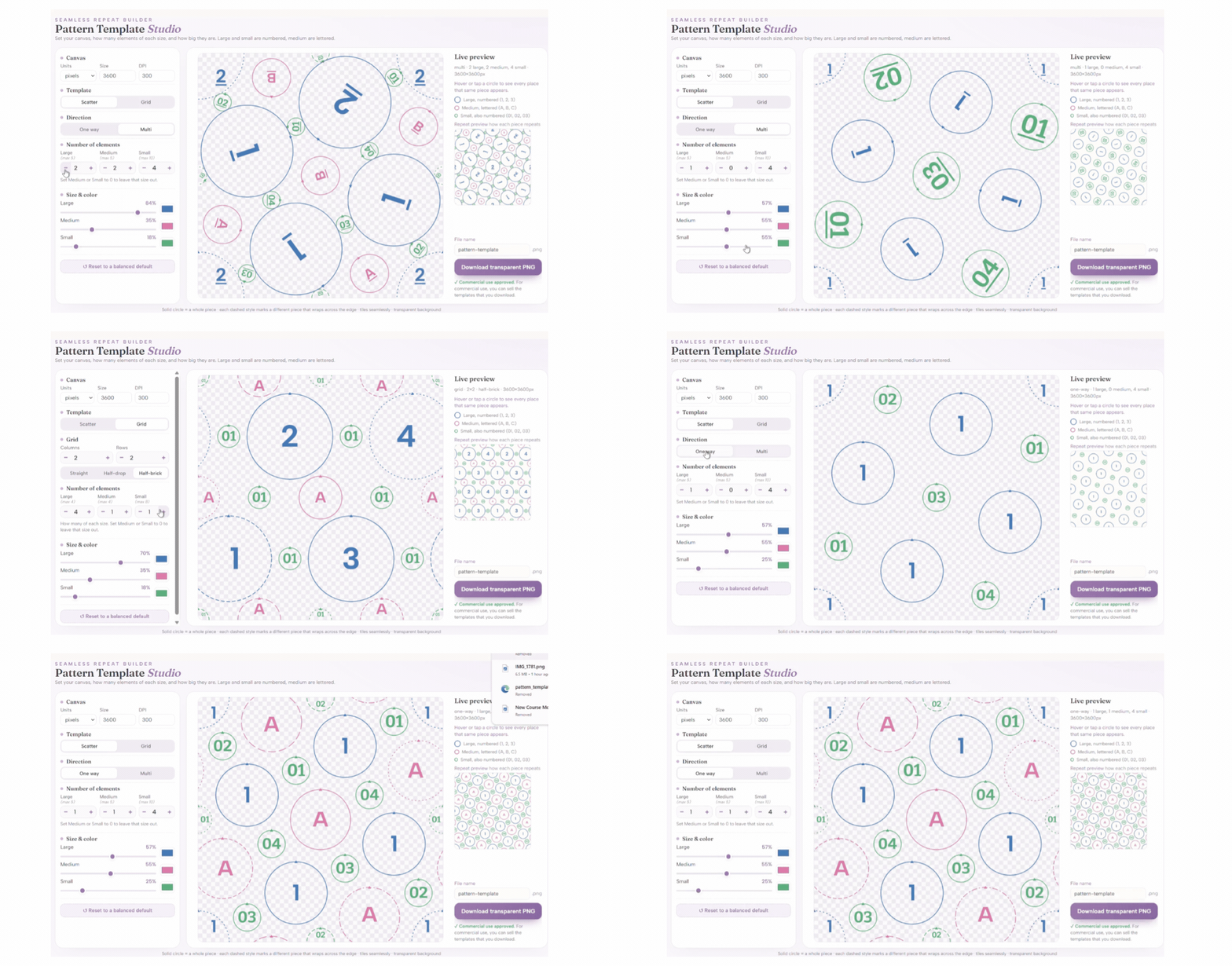
step 1: Choose your pattern size -set the canvas dimensions for the seamless template you want to create.
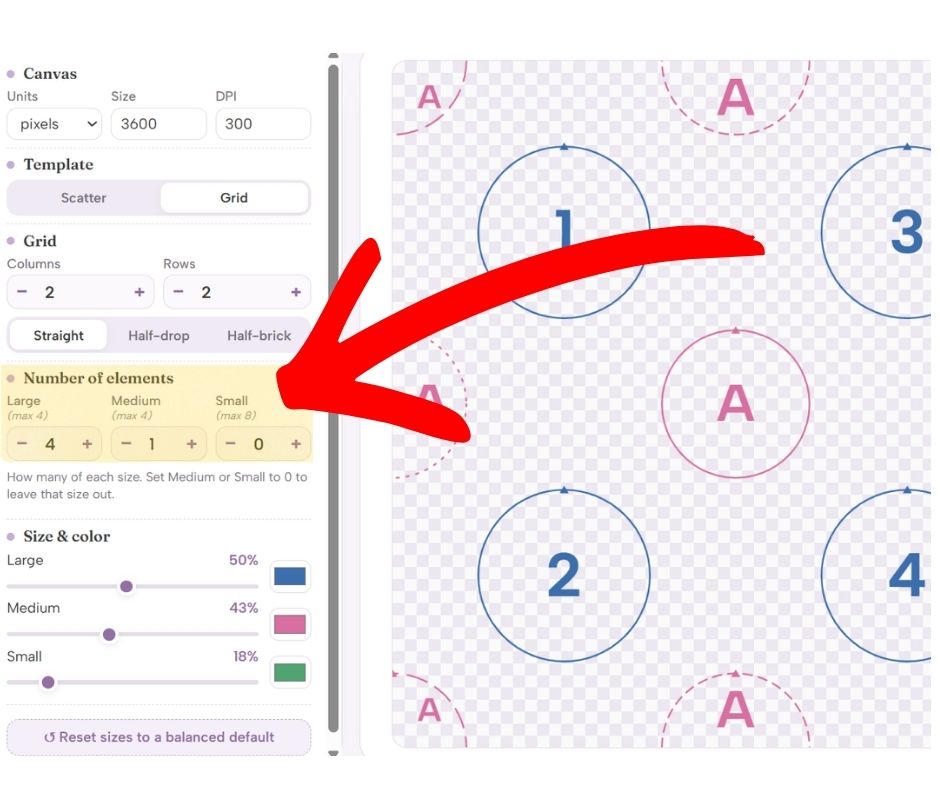
step 2: Build your layout - choose a grid or scattered arrangement and tell the tool how many large, medium, and small elements you want.
step 3: Customize your spacing - adjust the element sizes until the layout feels balanced and visually pleasing.
step 4: Download your new template - export your placement guide as a transparent .PNG from The Pattern Template Studio
step 5: Import your template - open the placement template in Procreate (or your favorite design software) and place your illustrations inside the circles following the guides
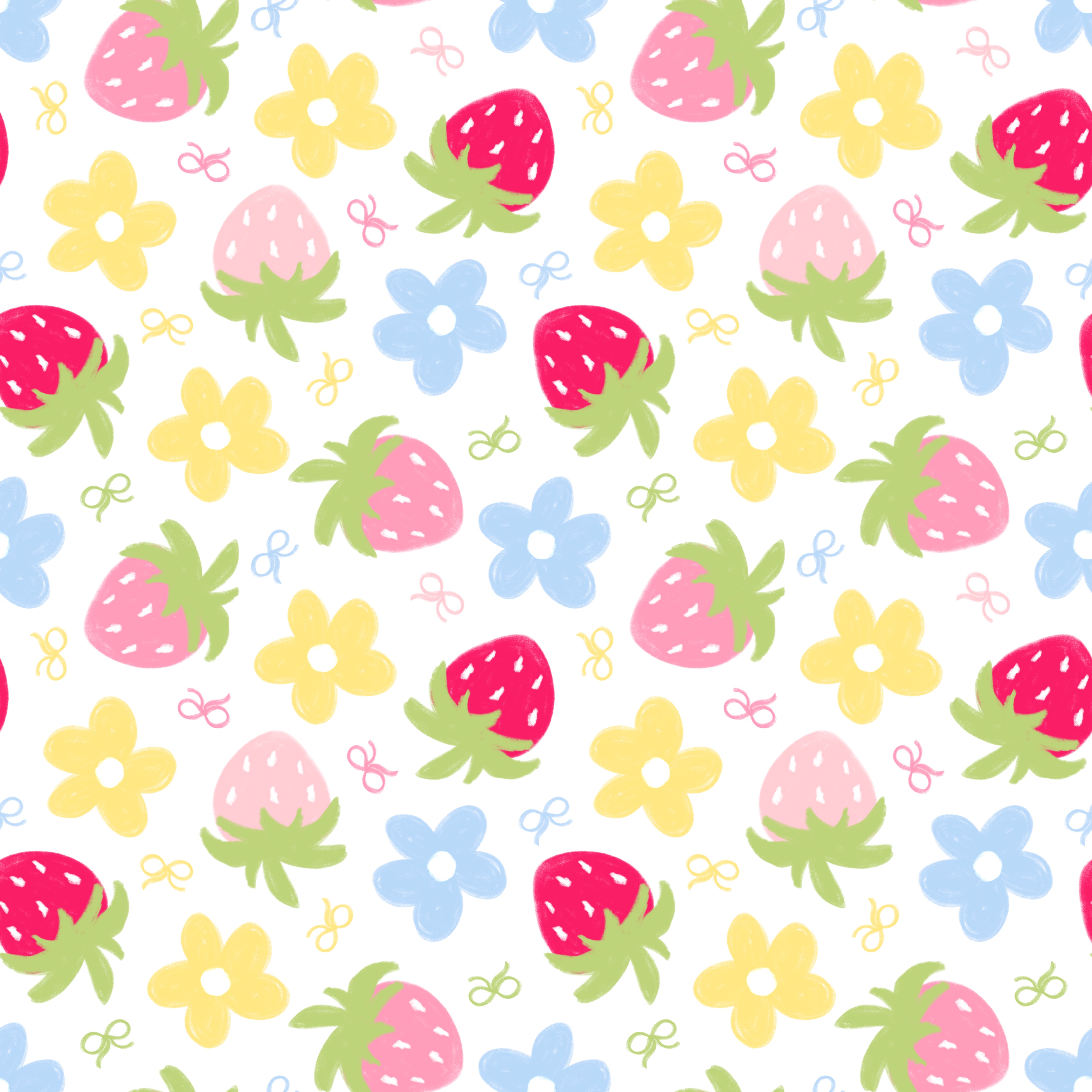
step 6: Create your seamless pattern - use your customized template to build a perfectly balanced pattern using the normal seamless pattern process
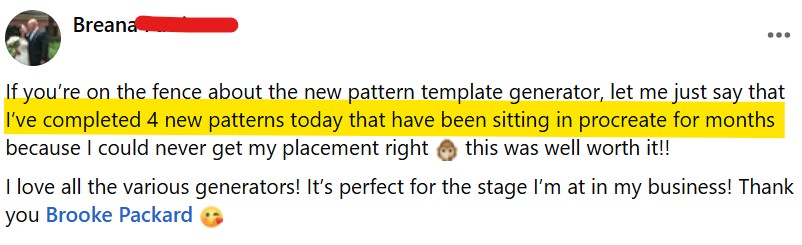
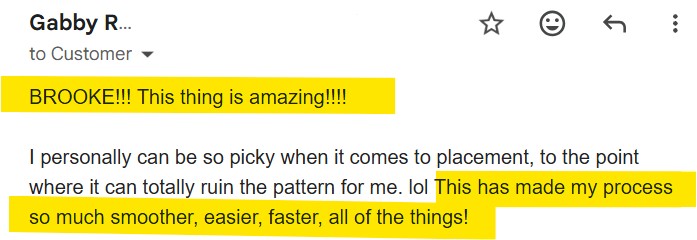
it's so simple right? these templates do all the heavy lifting for you, so you can create patterns 3x faster
once you've imported your new template into your design program, simply place your artwork over each designated circle and you'll have a perfectly spaced seamless pattern ready for use!
note: you need to already know how to make seamless patterns to use these templates
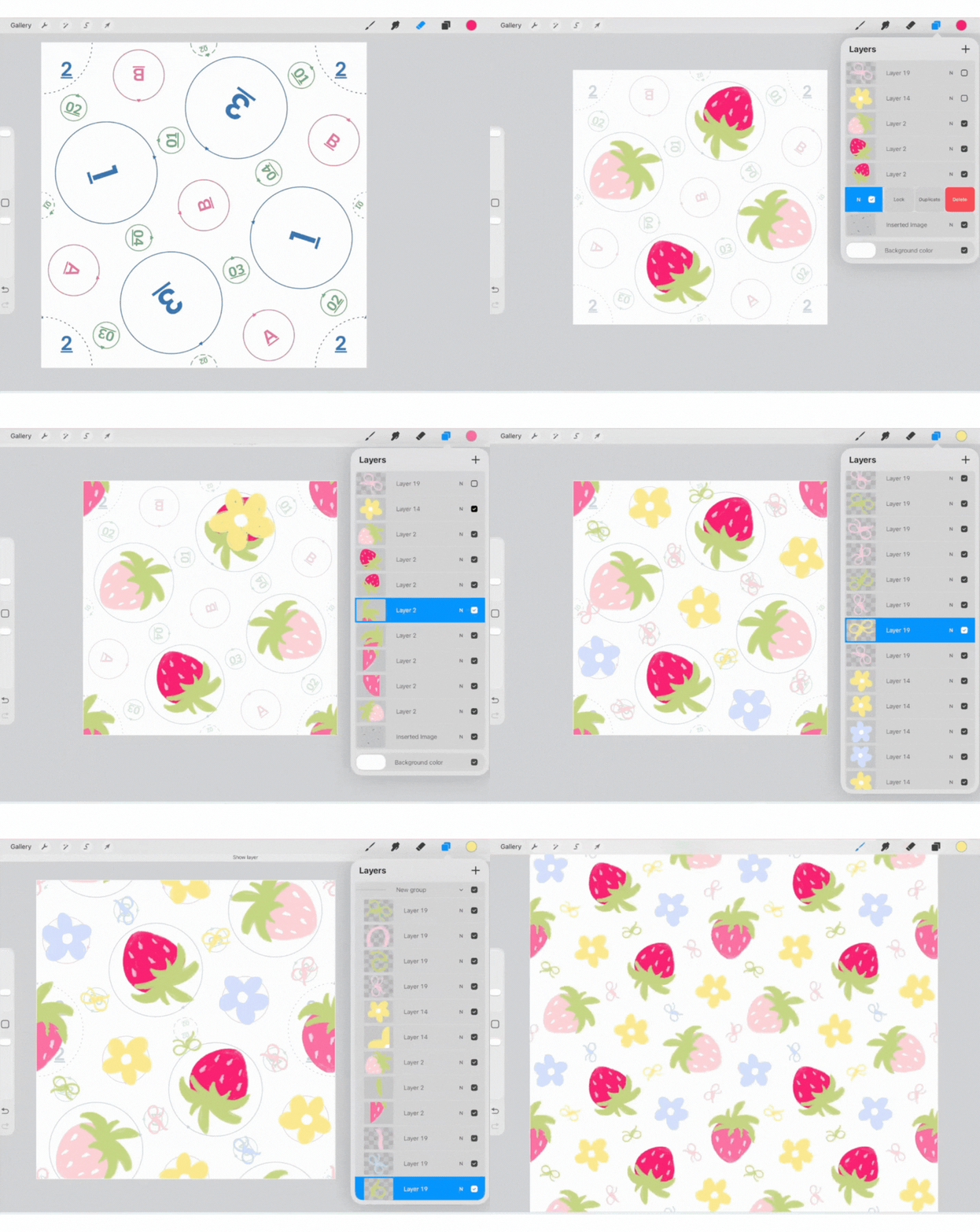
(program shown is Procreate, but these templates can be used in any design program that supports snapping & magnetics)
Your placement templates will be completely customized based on your exact needs, and you can create as many new templates as you want!
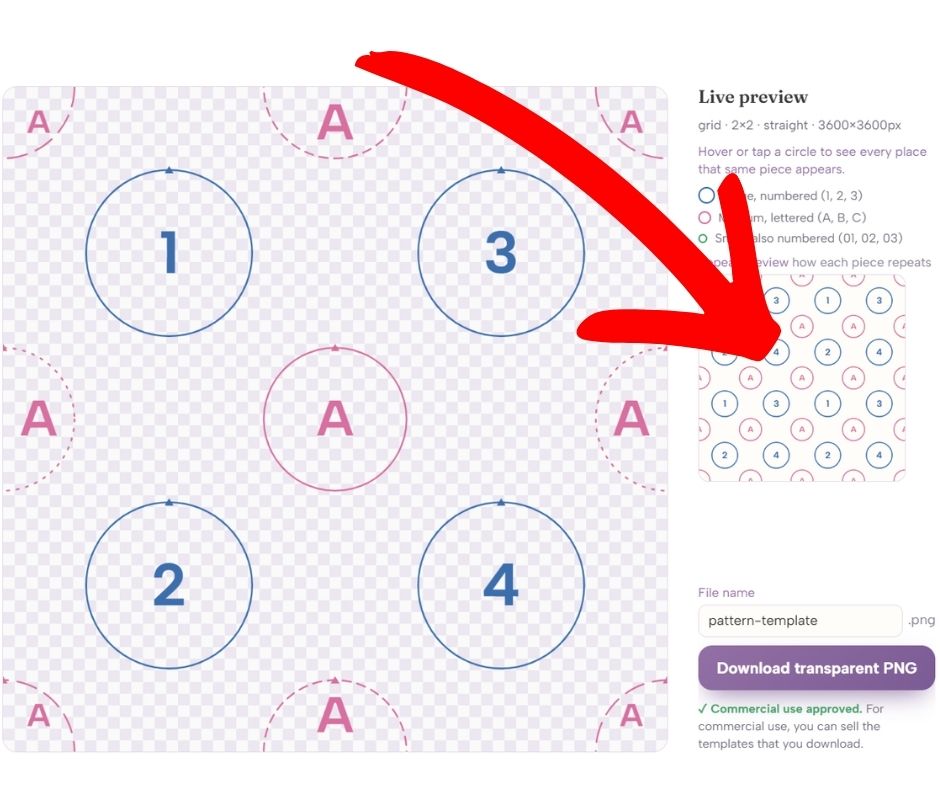
oh, and did I mention there's a live example preview that shows how the placement repeats as you scale?
Here's everything The Pattern Template Studio does:
creates professional pattern layouts in seconds - choose from the two most popular repeat styles (scatter & grid)
never wonder how many elements to use again - automatically build balanced templates with large, medium & small elements
designing made easy - create one way or multidirectional pattern templates with a single click
live template preview - see your placement template scaled out so you know exactly how it looks before you download
full-drop, half drop & half brick - three different options inside the grid layout
commercial use rights included - sell any templates you make using this tool!
canvas sizing by pixel, inches, or mm plus DPI settings
file naming option to quickly name your template before downloading as .PNG
{bonus} video tutorial explains how to use the tool
lifetime access with a one time fee (no monthly expense)
IMPORTANT: The Pattern Template Studio creates placement templates, ❌NOT finished seamless patterns.
✅Use these templates as placement guides while creating your patterns inside your design software.
✅You will already need to know how to make seamless patterns to use these templates
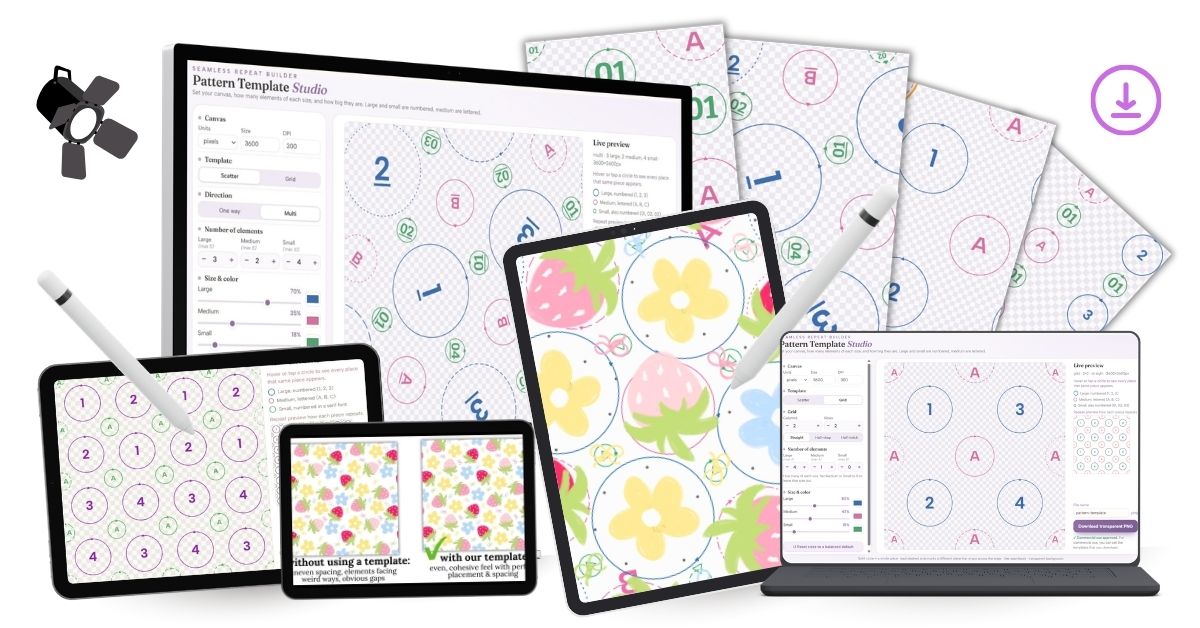
The Pattern Template Studio
Price: $64
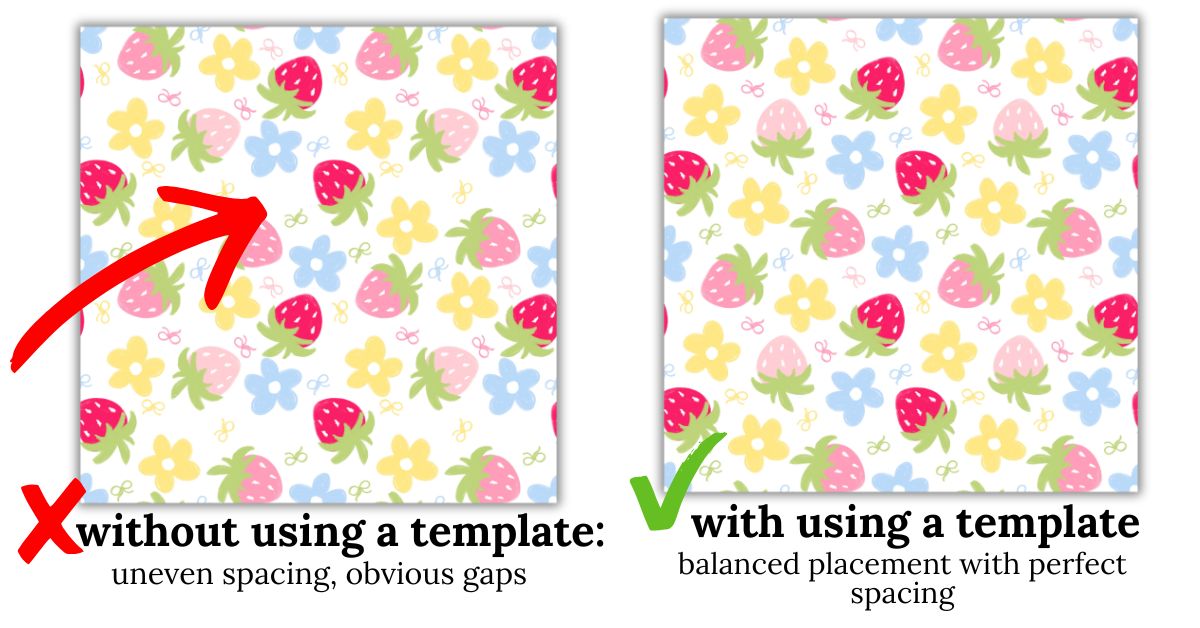
One of the biggest reasons patterns look off isn't because the art is bad, it's because the placement is wrong.
this tool fixes that before you even start drawing. Just pick your template style, enter how many elements you have, and watch the magic happen as it creates a perfect downloadable placement template you can use over and over again.
grab The Pattern Template Studio today & finally build beautiful patterns you feel proud to sell
(this web-based tool will be available instantly inside your Kajabi dashboard upon purchase)
all sales are final due to the digital nature of this product & no refunds are offered