
Digital Stamp Brush Maker:
instantly create Procreate stamp brushes from your artwork using this online tool!
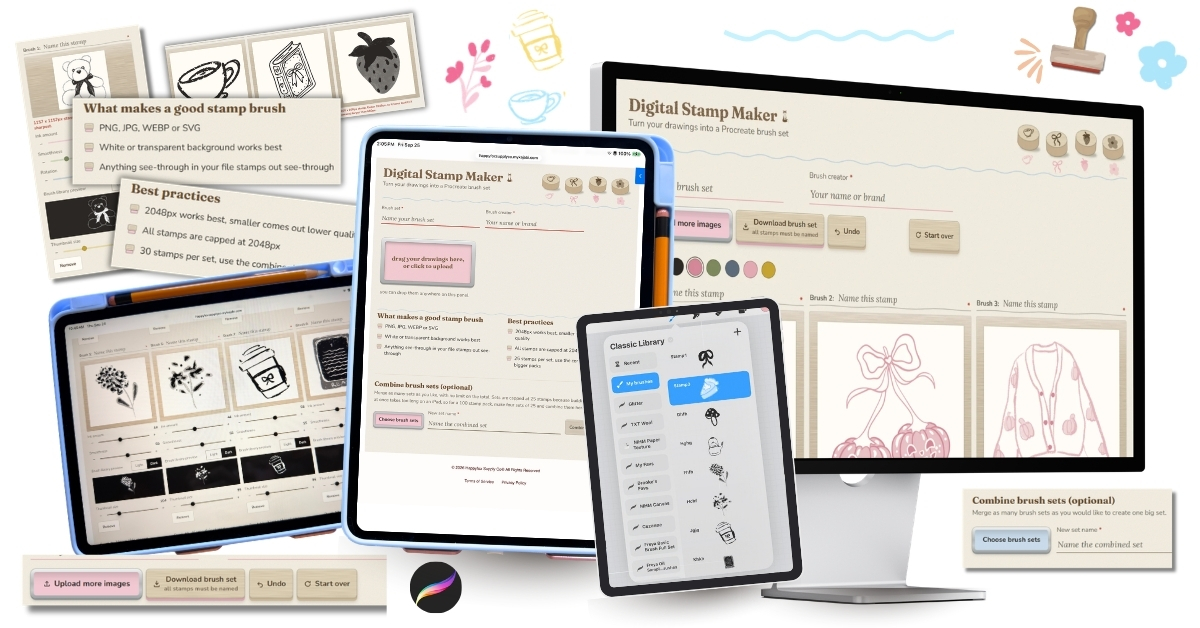
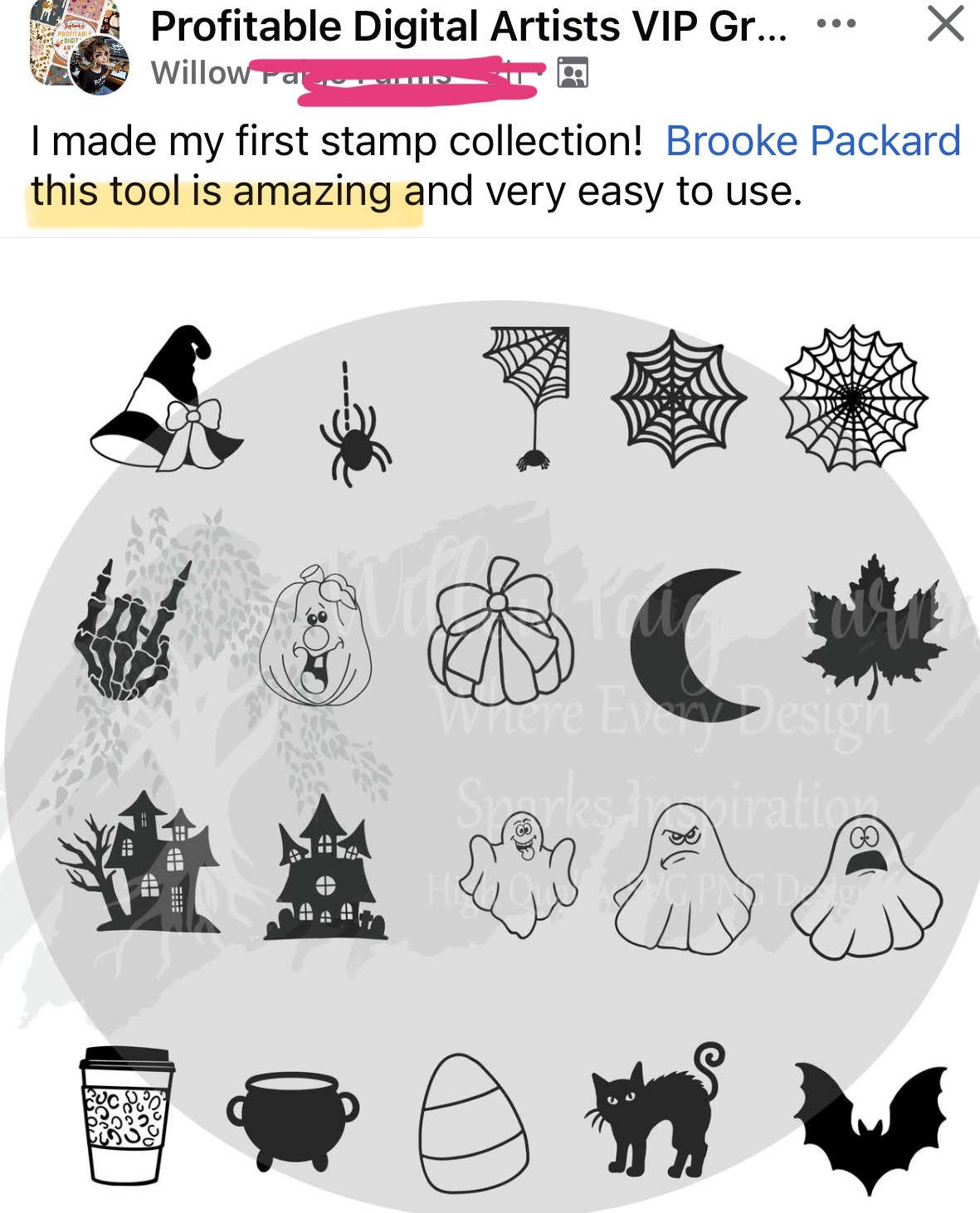
simply upload up to 30 images at a time for instant sellable Procreate stamp brushes
how it works:
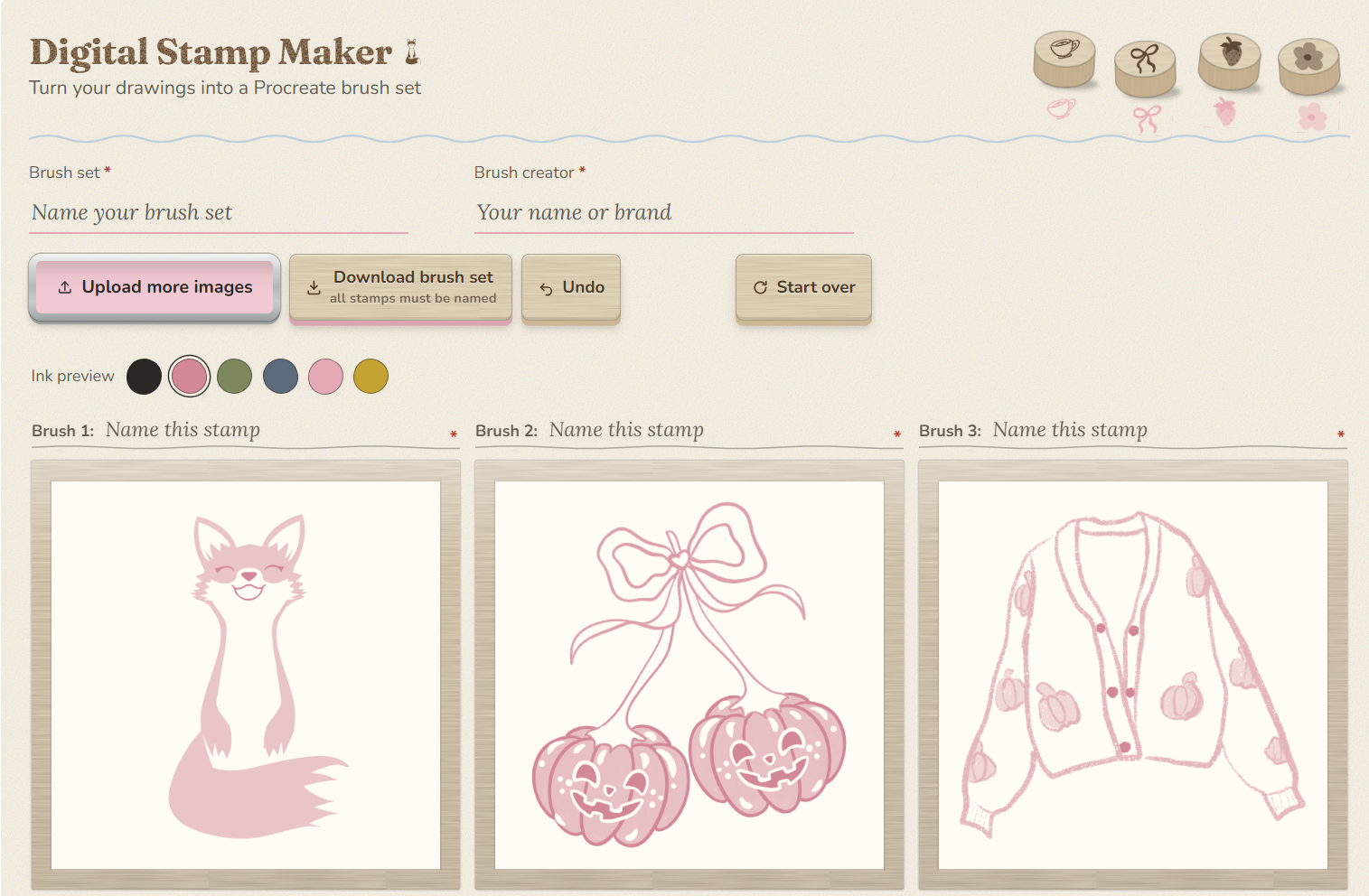
step 1: Choose your artwork -upload up to 30 images using JPG, PNG or SVG files

step 2: Adjust your brushes - fine tune each individual stamp brush to ensure the highest quality stamps
step 3: (optional) Test stamp colors - choose from 6 sample colors to test how your stamp brushes look
step 4: Size the stamp preview - scale the brush library preview image without ever leaving the tool
step 5: Name your brushes - name each individual stamp, the entire brush pack, and add the brush creator name (that's you!)
step 6: Download & import - download the stamp set, tap on the file, and they will automatically import into Procreate and are ready for use!
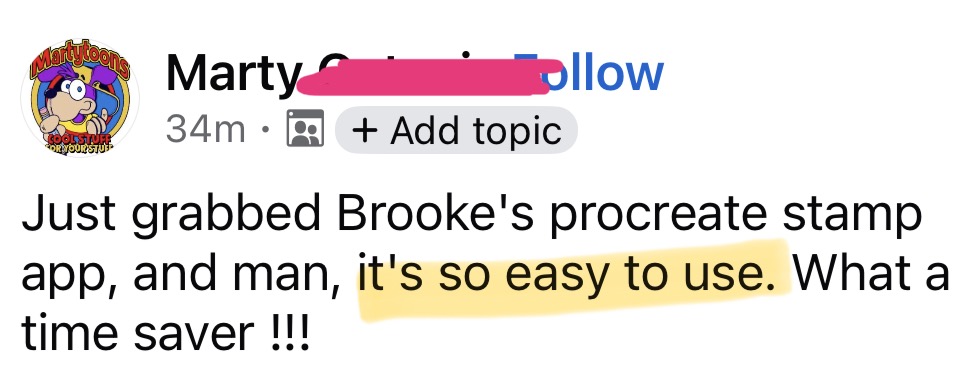
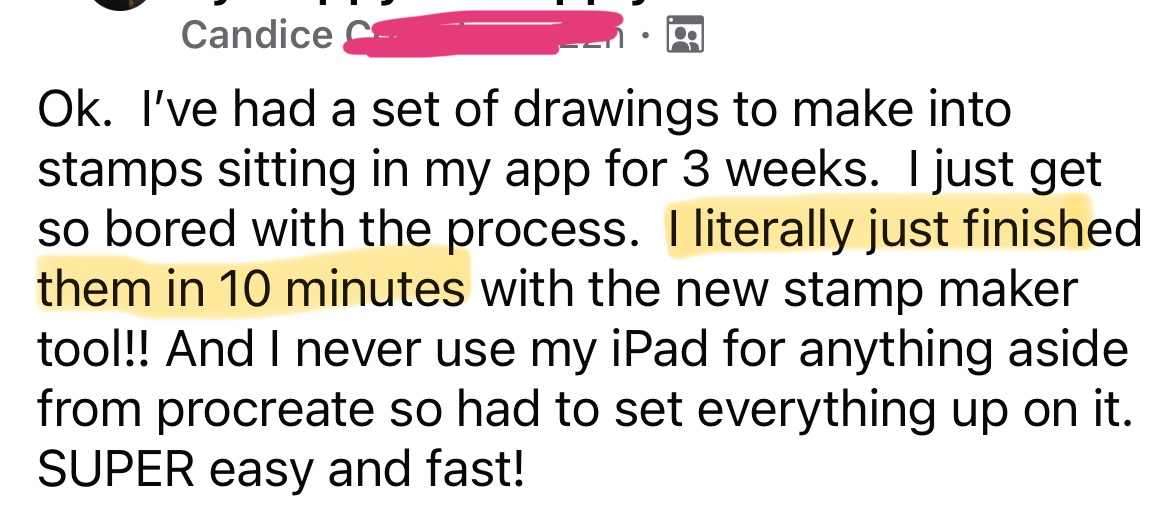
creating stamp brushes in Procreate used to be tedious and take hours, but now you can make them in minutes!
once you've downloaded your stamp set, just go to your files on your iPad, tap the file, and it will instantly upload into Procreate! it's THAT simple
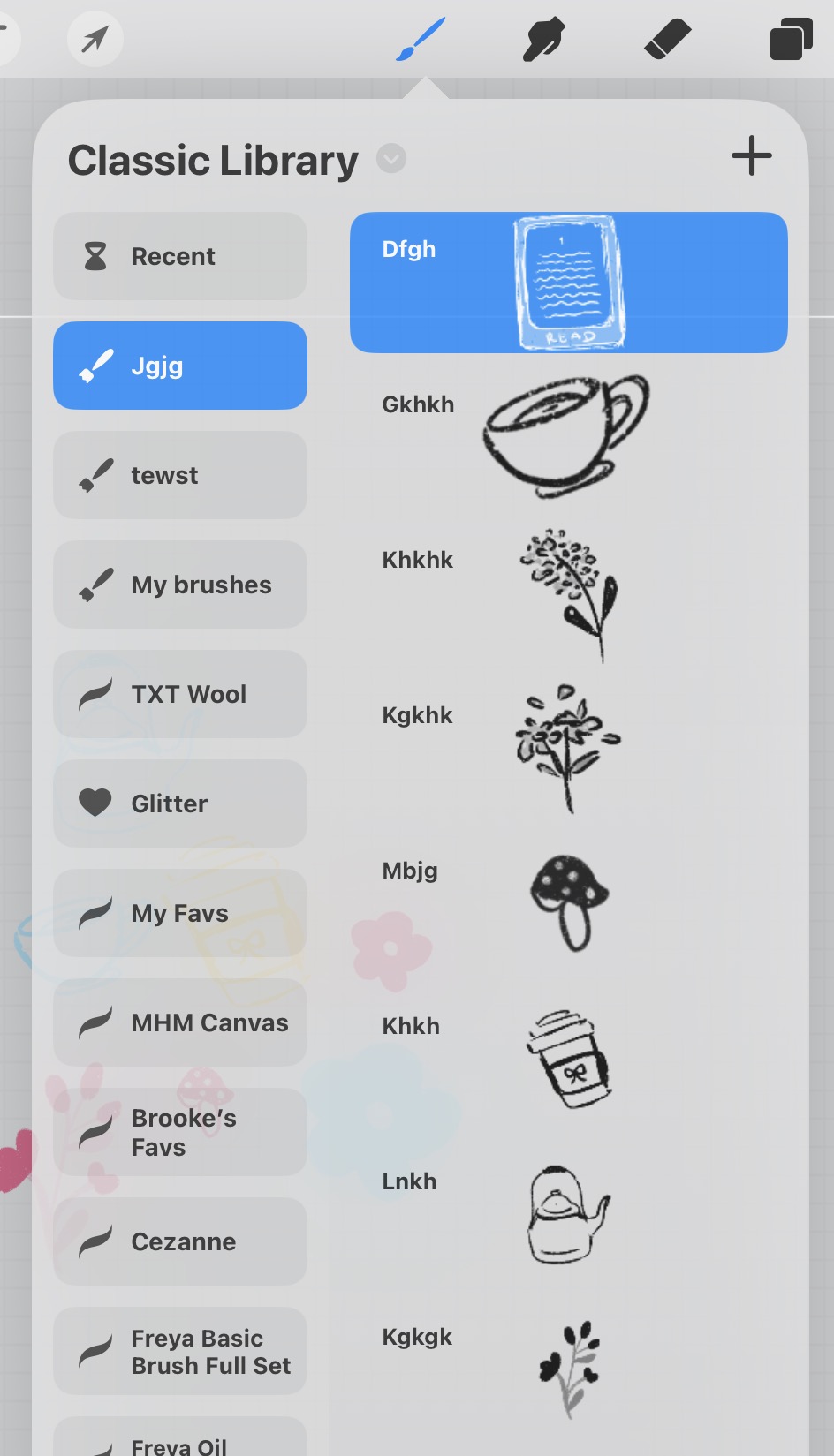
(pretend I actually named these stamps hahaha)
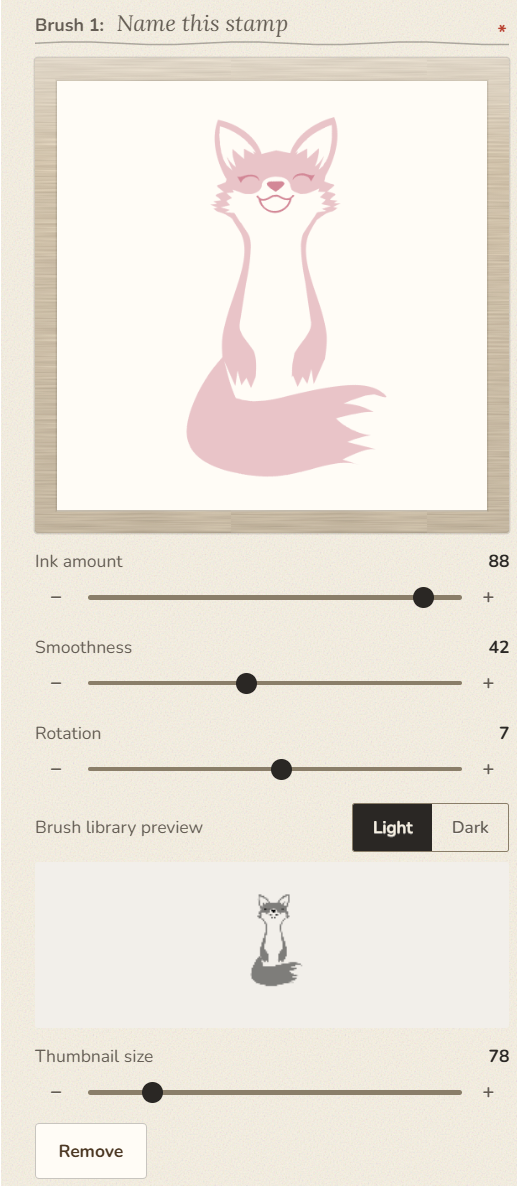
customize each brush with their own settings, including the brush preview size! Swap from light to dark mode to see how it looks inside the brush library
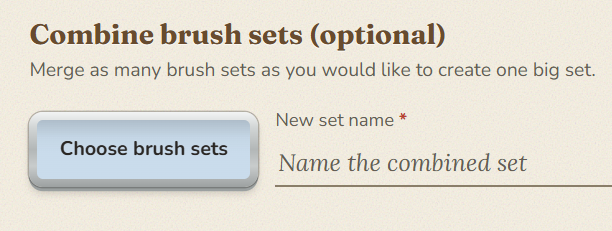
oh, and did I mention you can combine multiple brush sets into one jumbo set inside this tool?
Here's everything The Digital Stamp Brush Maker does:
creates sellable Procreate brush stamps - upload up to 30 at once, but easily combine packs to have more
never wonder how to make stamp brushes again - no more worrying about individual brush settings inside Procreate, this tool creates high quality stamps for you
designing made easy - use the sliders to change how each stamp will look, rotate the shape, and customize the stamp preview image
name your brushes - naming each brush before download means your pack is truly ready to sell the moment you hit download
combine brush sets - want to mix and match other brushes with your stamps into one set? use the combo tool at the bottom
commercial use rights included - sell any brushes you make using this tool!
brush stamp sizing - lets you know the max quality for each brush
{bonus} video tutorial explains how to use the tool
lifetime access with a one time fee (no monthly expense)
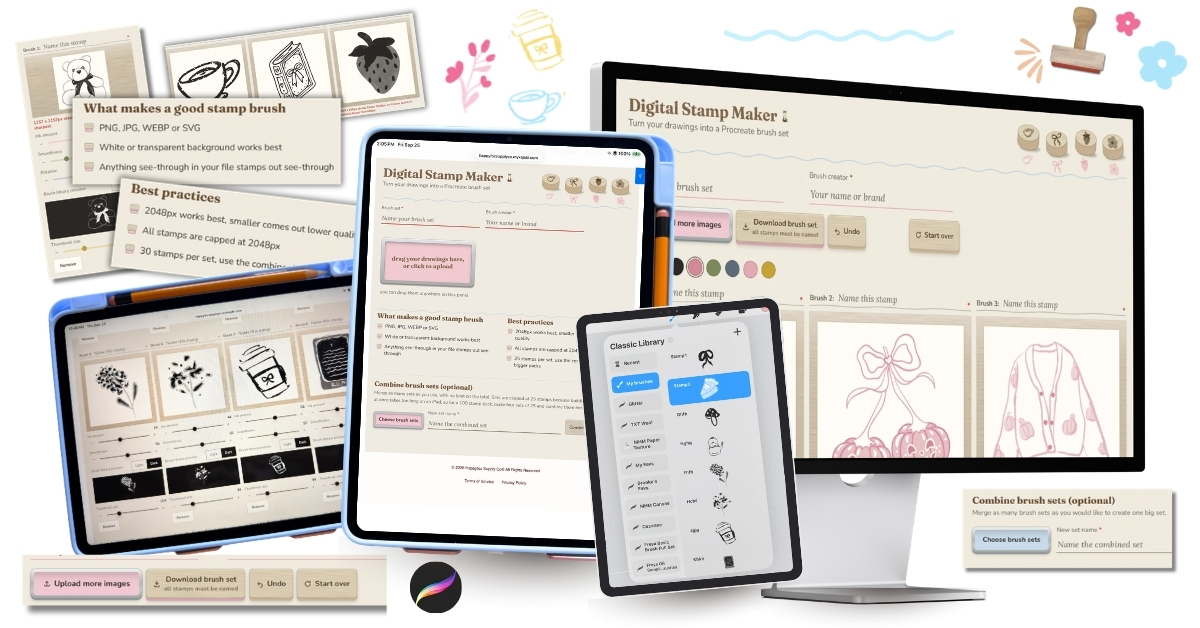
The Digital Stamp Brush Maker
Today's Price: $64
make your art work for you over and over again, create and sell Procreate stamp brushes with this tool!
(this web-based tool will be available instantly inside your Kajabi dashboard upon purchase)
all sales are final due to the digital nature of this product